I have been testing Bluetooth headphones for over two years. During that time I connected hundreds of pairs to dozens of devices, dealt with pairing failures at the worst possible moments, and learned more about this technology than I ever expected to. When someone asks me what Bluetooth actually is, I can give them a real answer, not a textbook one.
This guide covers everything you need to know about Bluetooth: how it works, what the versions mean, why the codec matters, and how it affects the headphones you buy. I wrote it specifically for headphone buyers who want to understand the technology behind the spec sheet.
Quick answer: Bluetooth is a short-range wireless technology that lets your phone send audio to your headphones without a cable. It operates on the 2.4GHz radio band, connects within about 10 meters by default, and the version number tells you how fast, stable, and efficient that connection is.
What is Bluetooth?
Bluetooth is a short-range wireless communication standard that lets devices exchange data without being physically connected by a cable. In the context of headphones, it is the technology that sends audio from your phone or laptop to your ears, wirelessly, continuously, and in real time.
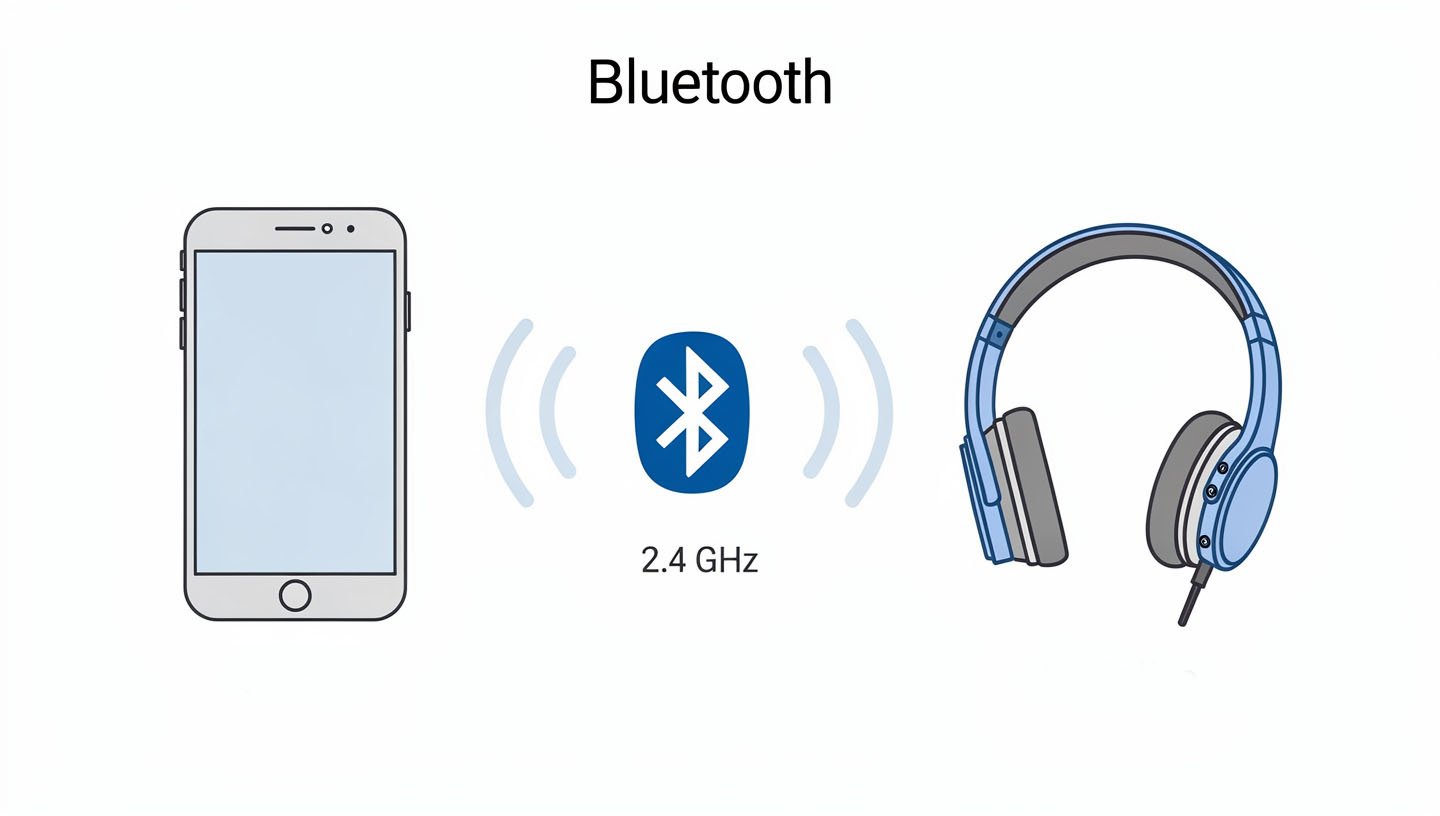
It operates on the 2.4GHz radio frequency band, the same band as Wi-Fi and microwave ovens. To avoid interference, Bluetooth uses a technique called frequency hopping spread spectrum, switching between 79 channels up to 1,600 times per second. That is why your headphones stay connected even in a room full of other wireless devices.
The standard is managed by the Bluetooth Special Interest Group (SIG), a nonprofit that includes over 35,000 member companies. Every device that carries the Bluetooth logo has been tested to meet SIG specifications, which is why a pair of Sony headphones from Japan can connect to a Samsung phone made in South Korea without any configuration.
Where the Name Comes From
The name Bluetooth comes from Harald “Bluetooth” Gormsson, a 10th-century Danish king who united the Scandinavian tribes under one rule. Jim Kardach, one of the engineers who helped create the standard in the 1990s, proposed the name as a placeholder because Harald united disparate groups into a single kingdom, just as the technology was designed to unite different communication protocols. The name caught on before anyone had time to change it.
The Bluetooth logo is a bind rune combining the runic letters H and B, standing for Harald Bluetooth’s initials. It is one of the more historically interesting logos in the tech industry.
When Bluetooth Was Invented
Bluetooth was first developed by Ericsson Mobile in 1994 as a way to replace the RS-232 data cables connecting mobile phones to headsets. The Bluetooth 1.0 specification was published in 1998 by the Bluetooth SIG, a group that originally included Ericsson, Nokia, IBM, Toshiba, and Intel. The first consumer Bluetooth products appeared around 2000.
My Samsung Galaxy S24 Ultra, which I use for most of my headphone testing, runs Bluetooth 5.3. The gap between 1.0 and 5.3 represents roughly 25 years of quiet engineering progress, most of which happened in the background while people were busy complaining that Bluetooth never worked. The truth is it works much better now.
How Bluetooth Works
When you pair your headphones to your phone, the two devices establish a piconet, a small personal area network where one device acts as the master and the other as the slave. The master device controls the timing and frequency of communication. In practice, your phone is the master and your headphones are the slave, though these terms are being phased out of technical documentation in newer specifications.
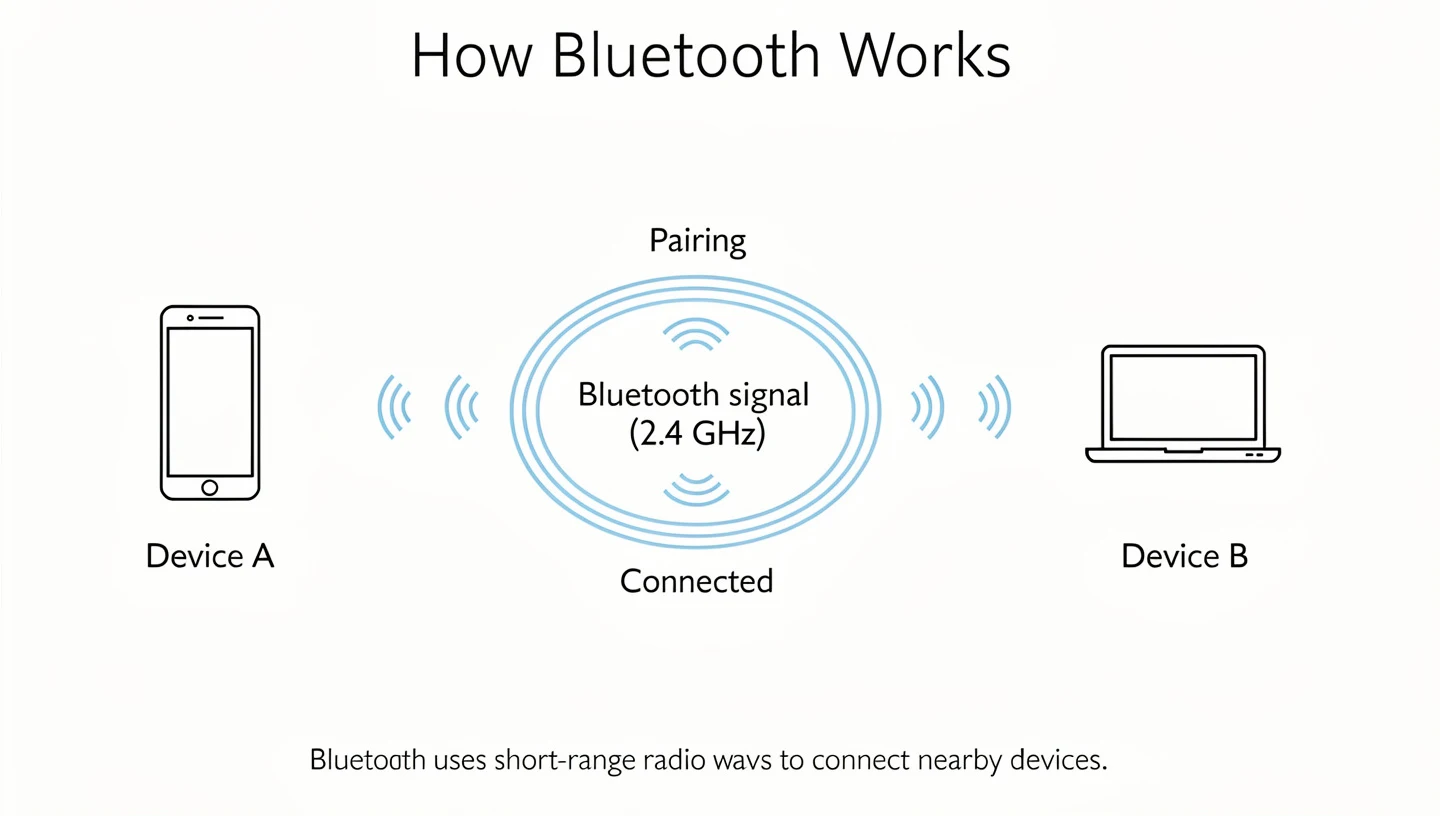
The connection goes through several stages. First, discovery: your headphones broadcast their presence on a set of frequencies, and your phone scans those frequencies until it finds the signal. Second, pairing: the devices exchange authentication information to establish a trusted connection. Third, bonding: the credentials are saved so the two devices can reconnect automatically in the future without repeating the full pairing process.
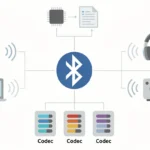
Audio data is compressed using a codec (more on that later), converted to radio waves, transmitted across the 2.4GHz band, received by the headphone antenna, decoded back into audio, and converted to sound by the drivers. This entire process happens continuously and in milliseconds.
Frequency Hopping and Why it Matters
The 2.4GHz band is crowded. Wi-Fi networks, baby monitors, cordless phones, and other Bluetooth devices all compete for the same frequencies. Bluetooth handles this through adaptive frequency hopping: it monitors which channels have interference and avoids them. This is why you can use Bluetooth headphones in a busy coffee shop without constant dropouts, even when everyone around you is also on Wi-Fi.
I noticed this directly when testing the Sennheiser Momentum 4 in a co-working space in Sarajevo. The building had over 20 active Wi-Fi networks. The connection held without a single dropout across three hours of listening. Older Bluetooth versions would have struggled in that environment.
Bluetooth Range in Practice
The theoretical range of Bluetooth depends on the class of the device. Class 1 devices reach up to 100 meters. Class 2 devices, which includes most headphones, are rated for about 10 meters. Class 3 devices have a range of about 1 meter and are mostly used in low-power sensors.
In practice, walls, floors, and bodies absorb 2.4GHz signals. My realistic expectation when testing headphones is about 10 to 15 meters in open space and 5 to 7 meters through walls. I tested the SoundPEATS Cove Pro from another room with my phone sitting on a desk, and the signal held until I was about 9 meters away with one wall between us. The Sony WH-1000XM6 maintained a clean connection from 12 meters in the same conditions.
Bluetooth Versions Explained: 1.0 to 6.0
Every Bluetooth version adds something new, whether it is speed, range, power efficiency, or a specific feature set. Here is what changed across the major versions and why it matters for headphone buyers.
Bluetooth 1.0 to 2.1 (1998 to 2007): The Early Days
Bluetooth 1.0 and 1.1 had a maximum data transfer rate of 1 Mbps and notoriously poor device compatibility. Pairing was unreliable and the range was short. Bluetooth 2.0 introduced Enhanced Data Rate (EDR) in 2004, tripling the maximum throughput to 3 Mbps and significantly improving audio quality for headsets. Bluetooth 2.1 added Secure Simple Pairing in 2007, which made the pairing process faster and more secure.
These early versions are what gave Bluetooth its bad reputation. Connections dropped, pairing was painful, and audio quality was thin and compressed. If you tried Bluetooth headphones before 2010 and gave up on them, those were the versions you were dealing with.
Bluetooth 3.0 (2009): High Speed
Bluetooth 3.0 added a high-speed mode that used Wi-Fi for faster data transfers, reaching up to 24 Mbps for large file transfers. For audio streaming, the practical impact was minimal since audio does not require that kind of bandwidth. The more relevant change was improved connection stability.
Bluetooth 4.0 to 4.2 (2010 to 2014): Low Energy Changes Everything
Bluetooth 4.0 introduced Bluetooth Low Energy (BLE), a completely new protocol stack designed for devices that run on small batteries, like fitness trackers, heart rate monitors, and smart home sensors. BLE uses far less power than Bluetooth Classic. It was not designed for audio streaming, but its arrival laid the groundwork for everything that came after.
Bluetooth 4.2 in 2014 added stronger security with encrypted connections and improved data transfer speeds for IoT devices. For headphone buyers, 4.2 represents the last version before significant audio improvements arrived.
| Version | Year | Key Feature for Headphones | Worth Buying? |
|---|---|---|---|
| Bluetooth 1.0 – 2.1 | 1998-2007 | Basic audio, unreliable pairing | No |
| Bluetooth 3.0 | 2009 | Improved stability | No |
| Bluetooth 4.0 – 4.2 | 2010-2014 | BLE introduced, better security | No |
| Bluetooth 5.0 | 2016 | 4x range, 2x speed, stable connections | Minimum |
| Bluetooth 5.2 | 2020 | LE Audio, LC3 codec, Auracast | Yes |
| Bluetooth 5.3 | 2021 | Better channel management, efficiency | Yes – sweet spot |
| Bluetooth 5.4 | 2023 | PAwR, encrypted advertising | Yes |
| Bluetooth 6.0 | 2024 | Channel Sounding, lower latency audio | Yes – newest |
Bluetooth 5.0 (2016): The Turning Point
Bluetooth 5.0 was a meaningful upgrade. It doubled the data transfer speed compared to 4.2, quadrupled the theoretical range, and increased the broadcasting capacity eightfold. For headphones, the range improvement was the most noticeable change. Connections became more stable at distance and less prone to dropouts in mixed wireless environments.
The Samsung Galaxy S8 was the first phone to ship with Bluetooth 5.0 in 2017. It is still common in headphones today. If you are looking at a mid-range pair of wireless headphones in 2025, there is a reasonable chance it uses Bluetooth 5.0.
Bluetooth 5.1 and 5.2 (2019 to 2020): Direction and LE Audio
Bluetooth 5.1 added Angle of Arrival and Angle of Departure features, which allow devices to determine the direction of a Bluetooth signal with enough precision for location tracking. For headphones, the practical impact was limited. For find-my applications, this was the beginning of something significant.
Bluetooth 5.2 introduced LE Audio, a new audio framework built on top of Bluetooth Low Energy. LE Audio includes the LC3 codec, which delivers better audio quality at lower bitrates than SBC while using less power. It also enables Auracast, a broadcast feature that allows a single device to stream audio to multiple receivers simultaneously. Hearing aids benefited significantly from this update.
Bluetooth 5.3 (2021): Stability and Efficiency
Bluetooth 5.3 was a focused efficiency update. The biggest change was allowing peripheral devices to propose preferred communication channels to the central device, which in previous versions was only the central device’s call. This improves connection stability in environments with channel congestion. Energy efficiency improved as well.
Bluetooth 5.3 is currently the most common version in consumer electronics. The iPhone 15 ships with it. Most recent Samsung Galaxy flagships use it. The Sony WH-1000XM6, which I consider the best all-around wireless headphones available right now, runs Bluetooth 5.3 with multipoint connectivity.
Bluetooth 5.4 (2023): PAwR and Encrypted Advertising
Bluetooth 5.4 added two features primarily aimed at retail and IoT environments. Periodic Advertising with Responses (PAwR) allows a Bluetooth access point to communicate bidirectionally with many low-power end nodes simultaneously, which is useful for electronic shelf labels and inventory systems. Encrypted Advertising Data adds standardized encryption to advertising packets for better privacy.
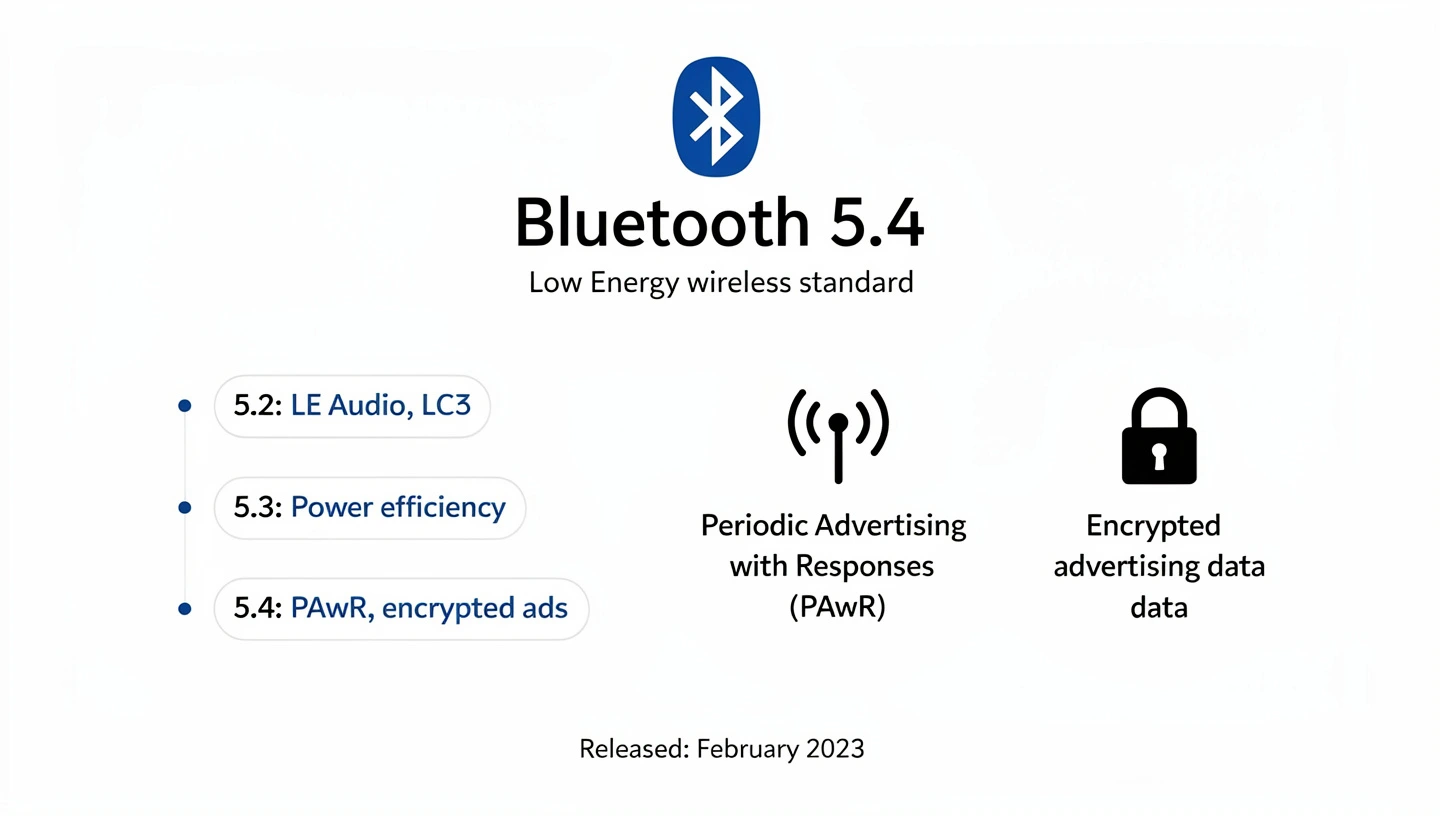
For headphones, 5.4 does not add dramatic improvements over 5.3. The Sennheiser Momentum 4 runs Bluetooth 5.4 and has 60 hours of battery life on a single charge, but that battery figure is a product of hardware choices, not the Bluetooth version.
Bluetooth 6.0 (2024 to 2025): Channel Sounding
Bluetooth 6.0 was specified in late 2024. The headline feature is Channel Sounding, which provides centimeter-accurate distance measurement between Bluetooth devices. This makes find-my features far more precise and adds security benefits for access control applications like car keys and building entry systems.
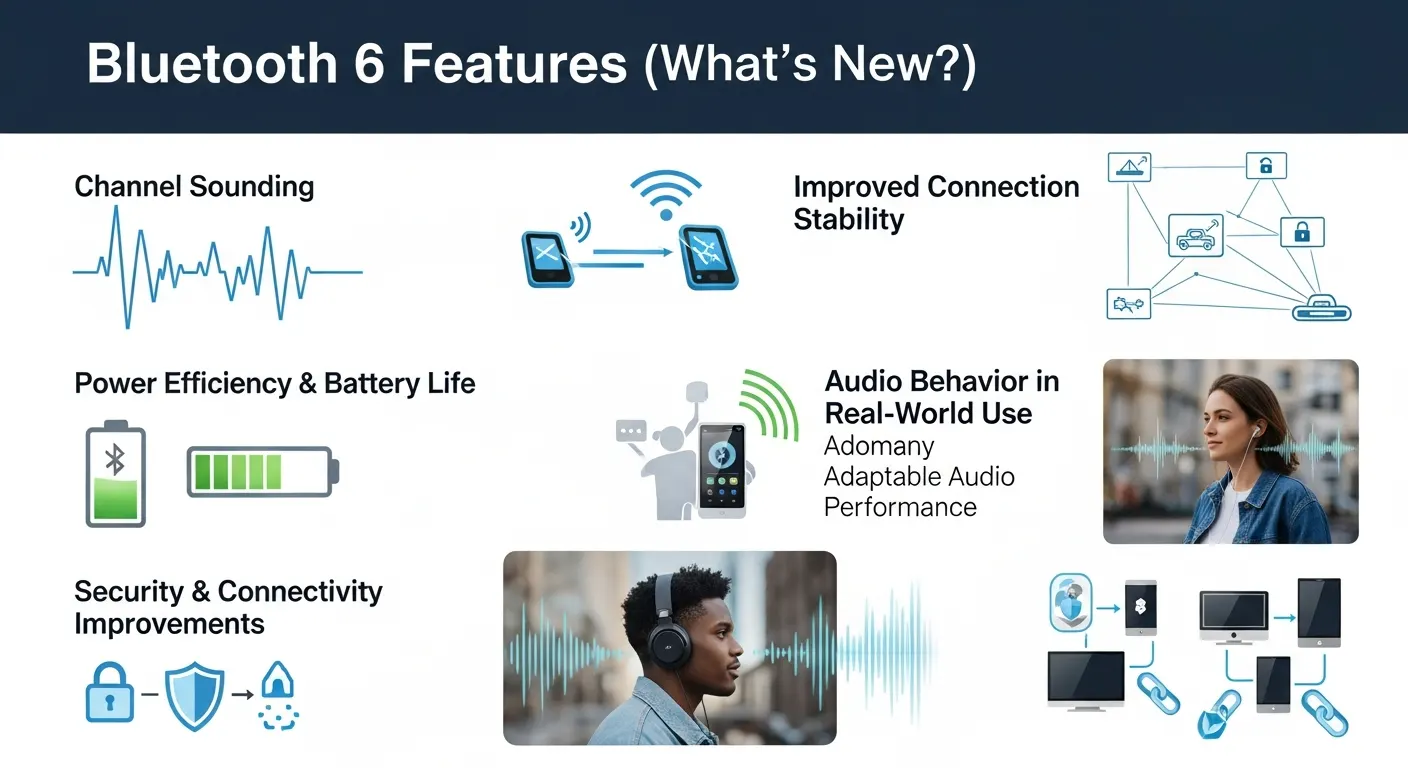
For audio, Bluetooth 6.0 improves the Isochronous Adaptation Layer (ISOAL), which handles audio packet transmission. Smaller data packets are easier to transmit reliably and can be reassembled without errors. The result is lower latency and fewer audio glitches during gaming or video playback. The SoundPEATS Cove Pro, which I tested last month, runs Bluetooth 6.0 and connected to my iPhone 13 and MacBook Air simultaneously without the switching issues I sometimes see with older versions.
Consumer devices with Bluetooth 6.0 are arriving throughout 2025. The SoundPEATS Cove Pro is one of the first budget headphones to ship with it.
Bluetooth 6.1 (2025): Privacy Improvements
Bluetooth 6.1 was published in May 2025 and focuses on privacy through randomized address rotation and improved power efficiency during idle periods. It is too recent to be in shipping consumer products yet, but it will arrive in devices later in 2025 and into 2026.
Bluetooth Classic vs Bluetooth Low Energy
Bluetooth Classic and Bluetooth Low Energy are two different modes of operation that share the same 2.4GHz band and branding but serve different purposes.
Bluetooth Classic (also called Bluetooth BR/EDR, for Basic Rate/Enhanced Data Rate) is optimized for continuous data streaming. It is what your headphones use to receive audio from your phone. It handles the high bandwidth that audio streaming requires, though it consumes more power as a result.
Bluetooth Low Energy was designed for devices that need to transmit small amounts of data infrequently while running on a small battery for months or years. Fitness trackers, smartwatch notifications, heart rate monitors, and IoT sensors use BLE. It consumes a fraction of the power that Bluetooth Classic does.
Most modern headphones use both. Bluetooth Classic handles audio streaming. BLE handles the control channel: pausing, skipping, adjusting volume, and communicating with the companion app. This dual-mode approach is standard across flagship headphones from Sony, Bose, Apple, and Sennheiser.
LE Audio, introduced with Bluetooth 5.2, is an attempt to enable audio streaming over the lower-power BLE radio. The LC3 codec was designed specifically for this purpose. As LE Audio adoption grows, more headphones will be able to stream audio at lower power consumption, which will improve battery life without sacrificing quality.
Bluetooth Audio Codecs Explained
A codec is the algorithm that compresses audio data for wireless transmission and then decompresses it on the other end. The codec determines how much audio information is preserved and how much is discarded during that process. It is one of the most important factors in Bluetooth audio quality.
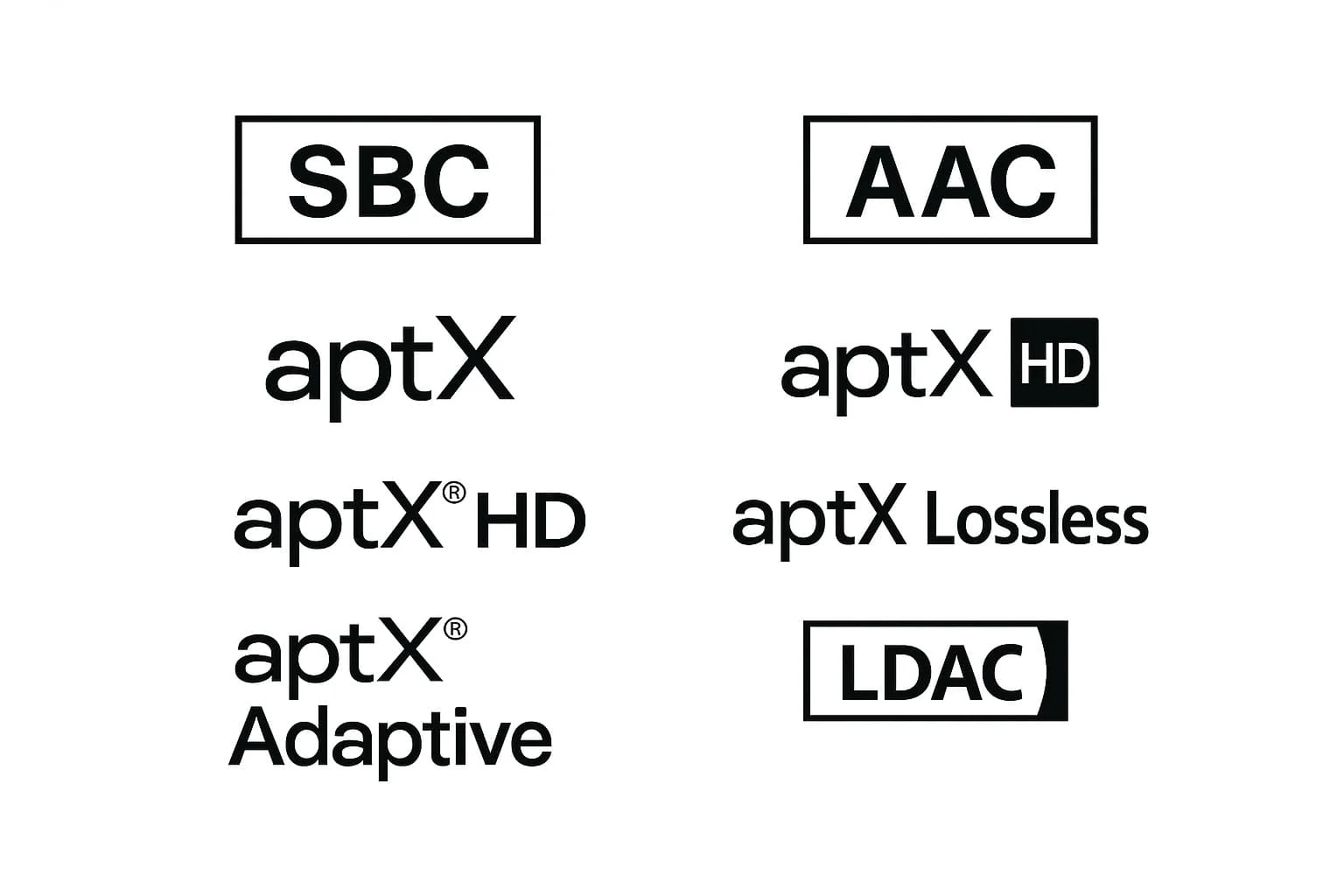
The codec only matters if both devices support it. If your phone supports LDAC but your headphones only support AAC, the connection falls back to AAC. Codec negotiation happens automatically during connection.
SBC: The Baseline
SBC (Subband Coding) is the mandatory Bluetooth audio codec. Every Bluetooth device that can stream audio supports SBC. It was designed in the 1990s and prioritizes compatibility over quality. SBC compresses audio to a maximum bitrate of 328 kbps, which introduces audible compression artifacts at higher listening volumes, particularly in the upper frequencies.
SBC is not terrible for casual listening. It is what most people used for years without realizing there was anything better. But it is the floor, not the ceiling.
AAC: Apple’s Default
AAC (Advanced Audio Coding) is the default codec on Apple devices. iPhones, iPads, Macs, and Apple Watch all use AAC for Bluetooth audio. AAC operates at up to 320 kbps and generally sounds noticeably better than SBC at the same bitrate because its compression algorithm is more efficient.
AAC sounds good on Apple devices. The iPhone 13 I use for most of my testing produces clean, detailed audio over AAC with headphones that support it, including the AirPods Max 2 and Beats Solo 4. Android devices implement AAC with more variability in quality, which is worth keeping in mind if you are using Android and considering AAC headphones.
aptX: Qualcomm’s Family
aptX is a family of codecs developed by Qualcomm. Standard aptX operates at up to 352 kbps and delivers noticeably lower latency than SBC. aptX HD pushes the bitrate to 576 kbps and supports 24-bit audio at 48kHz sample rates, which gets close to high-resolution audio territory. aptX Adaptive is the current flagship of the family, with a variable bitrate between 276 and 420 kbps that adjusts based on connection conditions, plus latency as low as 50ms for gaming.
aptX requires compatible hardware on both the source device and the headphones. Most Android flagship phones from Samsung, OnePlus, and Google support aptX in some form. The Bowers and Wilkins PX8, which costs $699, supports aptX Adaptive and produces one of the best wireless audio experiences I have heard.
LDAC: Sony’s High-Resolution Option
LDAC was developed by Sony and transmits audio at up to 990 kbps, roughly three times the bitrate of standard Bluetooth codecs. At its highest setting, LDAC can transmit 24-bit/96kHz audio, which covers high-resolution audio file formats. Sony contributed LDAC to the Android Open Source Project, making it available across Android 8.0 and higher.
LDAC makes a real difference with high-quality source files. When I tested the Sony WH-1000XM6 on my Galaxy S24 Ultra with lossless FLAC files, LDAC produced noticeably better instrument separation and detail retrieval compared to AAC. With compressed streaming audio from Spotify at standard quality, the difference was smaller but still present.
LDAC is not available on iPhone. Apple uses AAC exclusively. This is one practical reason why Android users often have more codec options than iPhone users.
LC3 and LE Audio
LC3 (Low Complexity Communication Codec) was introduced as part of the LE Audio specification with Bluetooth 5.2. It delivers better audio quality than SBC at lower bitrates, which is significant because lower bitrates require less transmission power. LC3 at 160 kbps reportedly sounds better than SBC at 328 kbps. For battery-powered devices, this is a meaningful improvement.
LC3plus is an extension of LC3 that ships with Bluetooth 6.0. It theoretically supports up to 32-bit/96kHz audio, which qualifies for Hi-Res Audio Wireless certification. Latency drops to as low as 7ms with LC3plus, which is better than most wired connections. It is too early to evaluate LC3plus in real products, but it represents the direction Bluetooth audio is heading.
Bluetooth Profiles for Headphones
Bluetooth profiles define what a device can do over a Bluetooth connection. Think of them as feature sets. A headphone and phone need to share the same profile to use a particular feature.
A2DP: The Audio Streaming Profile
A2DP (Advanced Audio Distribution Profile) is the profile that enables high-quality stereo audio streaming. Every wireless headphone that can play music over Bluetooth uses A2DP. It supports all the codecs described above. Without A2DP, you cannot stream music.
HSP and HFP: Call Profiles
HSP (Headset Profile) enables basic hands-free calling with a microphone. HFP (Hands-Free Profile) is the more capable version, supporting call management features like answering, ending, and redialing. When you use your wireless headphones to take a phone call, HFP is handling that connection.
One thing worth knowing: when your headphones switch from music playback to a phone call, the audio quality drops noticeably. This happens because HFP uses a narrowband or wideband audio codec for calls, which operates at a lower bitrate than A2DP. The compressed call audio is one reason phone calls often sound worse through Bluetooth headphones than the music does. It is a profile limitation, not a hardware flaw.
AVRCP: Remote Control
AVRCP (Audio/Video Remote Control Profile) handles playback controls. When you press play, pause, skip, or adjust volume on your headphones, AVRCP is communicating those commands to your phone. It also handles track metadata, which is why your phone screen shows the song title and artist from the headphones.
Bluetooth Range, Latency, and Battery
Range
Real-world Bluetooth range for headphones is typically 10 to 15 meters in open space and 5 to 10 meters through walls. The rated range on a spec sheet is always best-case. Bodies, furniture, and walls all absorb 2.4GHz signals. I tested the Technics EAH-A800 in a three-bedroom apartment with my phone left on the kitchen counter. The signal reached the far bedroom, about 12 meters through two interior walls, but started stuttering occasionally at that distance.
Bluetooth 5.0 and newer versions maintain better range under interference conditions than older versions. If you frequently move around while listening, newer Bluetooth versions make a noticeable difference.
Latency
Latency is the delay between the audio being sent by the source device and the sound arriving at your ears. For music listening, latency is essentially invisible as long as it stays below 100ms or so. For gaming and video, it matters more because you start to notice when audio is out of sync with what you see on screen.
Standard Bluetooth audio latency ranges from about 100ms to 300ms depending on the codec and implementation. aptX Adaptive drops this to around 50ms. LC3plus targets 7ms. The game mode available in some headphones, including the SoundPEATS Cove Pro, uses a dedicated low-latency mode that reduces latency for mobile gaming, though it does not match wired headphone performance.
For reference, human perception of audio-video sync issues generally begins around 40 to 80ms of delay. Below that threshold, most people cannot tell the difference between synchronized and slightly delayed audio.
Battery Impact
Bluetooth itself does not drain much battery. The audio processing, the amplifier, the drivers, and the ANC system consume far more power than the Bluetooth radio. That said, codec choice has a small impact on battery life: LDAC at its highest quality setting uses more processing power than SBC, which can reduce battery life slightly.
Bluetooth 5.3 and newer versions are more power-efficient than older versions, which contributes to the longer battery life in recent headphones. The Sennheiser Momentum 4 delivers 60 hours on a single charge with ANC on, which would not be possible with older, less efficient Bluetooth implementations.
Bluetooth Multipoint
Multipoint is a feature that allows a single pair of headphones to maintain active connections to two (or sometimes three) devices simultaneously. You can be connected to your phone and laptop at the same time and switch between them without manually disconnecting and reconnecting.
I started relying on multipoint heavily once I tested the Sony WH-1000XM6. My workflow involves switching between a laptop for work and a phone for calls. Before multipoint, switching between them meant going into Bluetooth settings, disconnecting one device, and reconnecting to the other. With multipoint, the headphones automatically prioritize incoming calls from my phone while staying connected to the laptop.
Not all multipoint implementations are equal. Some headphones, like the Technics EAH-A800, support three-way multipoint, connecting to three devices simultaneously. Others switch smoothly and automatically, while some require manual intervention. The SoundPEATS Cove Pro I tested has multipoint that functions correctly but does not auto-reconnect when you walk back within range of a previously paired device, which is a firmware limitation rather than a hardware one.
Multipoint is now standard on flagship headphones and increasingly common on mid-range and budget models. If you regularly switch between a phone and a computer, it is worth checking whether a pair of headphones supports it before buying.
What Bluetooth Version Should You Look for in 2025?
For most buyers in 2025, Bluetooth 5.0 is the minimum worth considering. It provides stable connections, good range, and supports every modern audio codec. Headphones running Bluetooth 5.0 will pair reliably with any current phone.
Bluetooth 5.3 is the current sweet spot. It is the version you will find in most flagship headphones released in the last two years, including the Sony WH-1000XM6 and the AirPods Max 2. It is stable, efficient, and widely supported by the phones people are actually using.
Bluetooth 6.0 is available in a few early products like the SoundPEATS Cove Pro. It adds Channel Sounding for better device location and ISOAL improvements for lower latency. For headphone buyers who care about those features, it is worth seeking out. For everyone else, 5.3 is perfectly adequate.
Avoid headphones running Bluetooth 4.2 or older unless you are buying used or on an extremely tight budget. The stability and efficiency improvements from version 5.0 onward are real and noticeable.
Bottom Line
Bluetooth has come a long way from the unreliable connections and thin audio of the early 2000s. Understanding the technology does not require an engineering background, but knowing what version to look for, which codec matters for your phone, and what features like multipoint and LE Audio actually do will help you make better buying decisions.
The core things to take away: Bluetooth 5.0 is the minimum worth buying in 2025. Bluetooth 5.3 is the current standard in quality headphones. The codec determines audio quality, not the version number. LDAC is the best option for Android users who care about sound quality. AAC is what iPhone users are working with. Multipoint is useful if you switch between devices regularly.
For specific headphone recommendations based on this technology, the main guide covers every pair I have tested across every price range.
Frequently Asked Questions
Is Bluetooth safe?
Yes. Bluetooth operates at very low power levels, typically 1 to 100 milliwatts depending on the device class. This is orders of magnitude below the output of a mobile phone transmitting cellular data. The scientific consensus is that Bluetooth does not pose a health risk.
Does Bluetooth audio quality match wired?
Not quite, but the gap has narrowed significantly. Wired connections carry uncompressed audio, which means no data is discarded during transmission. Bluetooth codecs compress audio to fit within the bandwidth of a wireless connection. With LDAC at its highest quality setting and good source files, the difference is subtle enough that most listeners would not notice it in a blind test. With SBC and compressed streaming audio, the difference is more audible. For critical listening, wired headphones are still the reference standard.
Can I connect Bluetooth headphones to two devices at once?
Yes, if the headphones support multipoint. Most modern flagship and many mid-range headphones support connecting to two devices simultaneously. Some, like the Technics EAH-A800, support three. Check the specifications before buying if this matters to you.
Why do my headphones disconnect when I walk into another room?
Either the distance has exceeded the practical range of the connection, or there is something absorbing or reflecting the 2.4GHz signal between you and the source device. Concrete walls, metal structures, and large bodies of water are the most common culprits. Upgrading to headphones with Bluetooth 5.0 or newer improves range and connection stability but does not eliminate physics.
Does Bluetooth 5.3 sound better than Bluetooth 5.0?
Not directly. The Bluetooth version determines connection stability, range, and efficiency, not audio quality. Audio quality comes from the codec. You can have excellent sound on Bluetooth 5.0 with LDAC and mediocre sound on Bluetooth 5.3 with SBC. What the newer version gives you is a more stable connection that is less likely to drop or interfere with other devices.
What is the difference between pairing and connecting?
Pairing is the one-time process of establishing a trusted relationship between two devices. Connecting is the ongoing process of establishing an active audio link between devices that have already been paired. Once headphones are paired with your phone, connecting in the future is automatic when both devices are nearby and Bluetooth is enabled on each.
Why does audio quality drop when I take a call?
When you switch from music playback to a phone call, your headphones switch from the A2DP profile to the HFP profile. HFP uses a narrowband or wideband audio codec specifically designed for voice calls, which operates at a much lower bitrate than the music codec. The call audio is more compressed, which sounds noticeably thinner and lower quality than music playback. This is a Bluetooth specification limitation that affects all wireless headphones, not a flaw in any particular product.